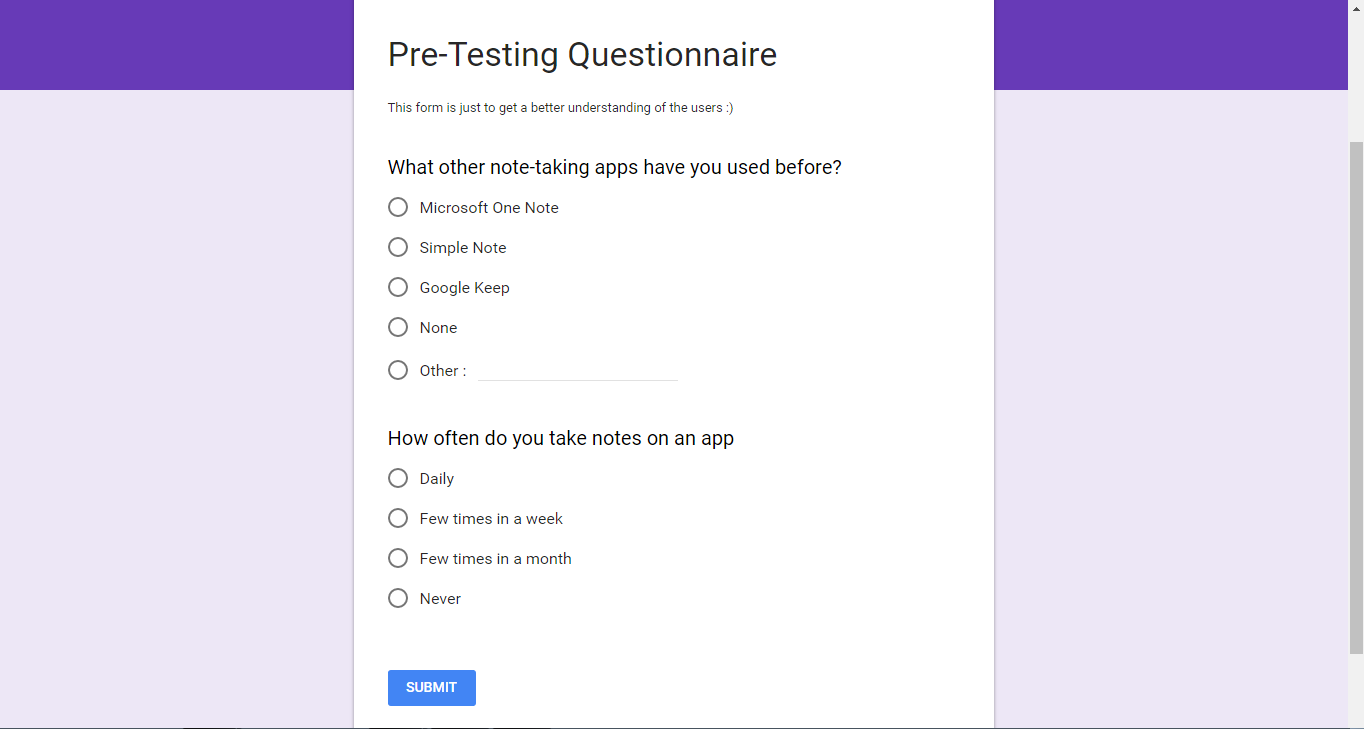
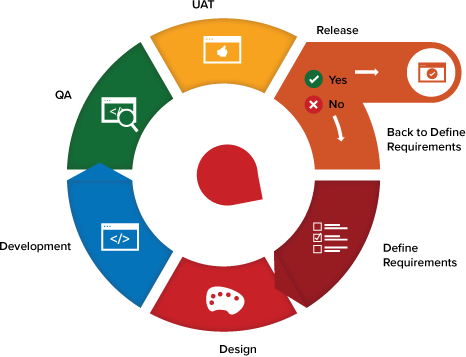
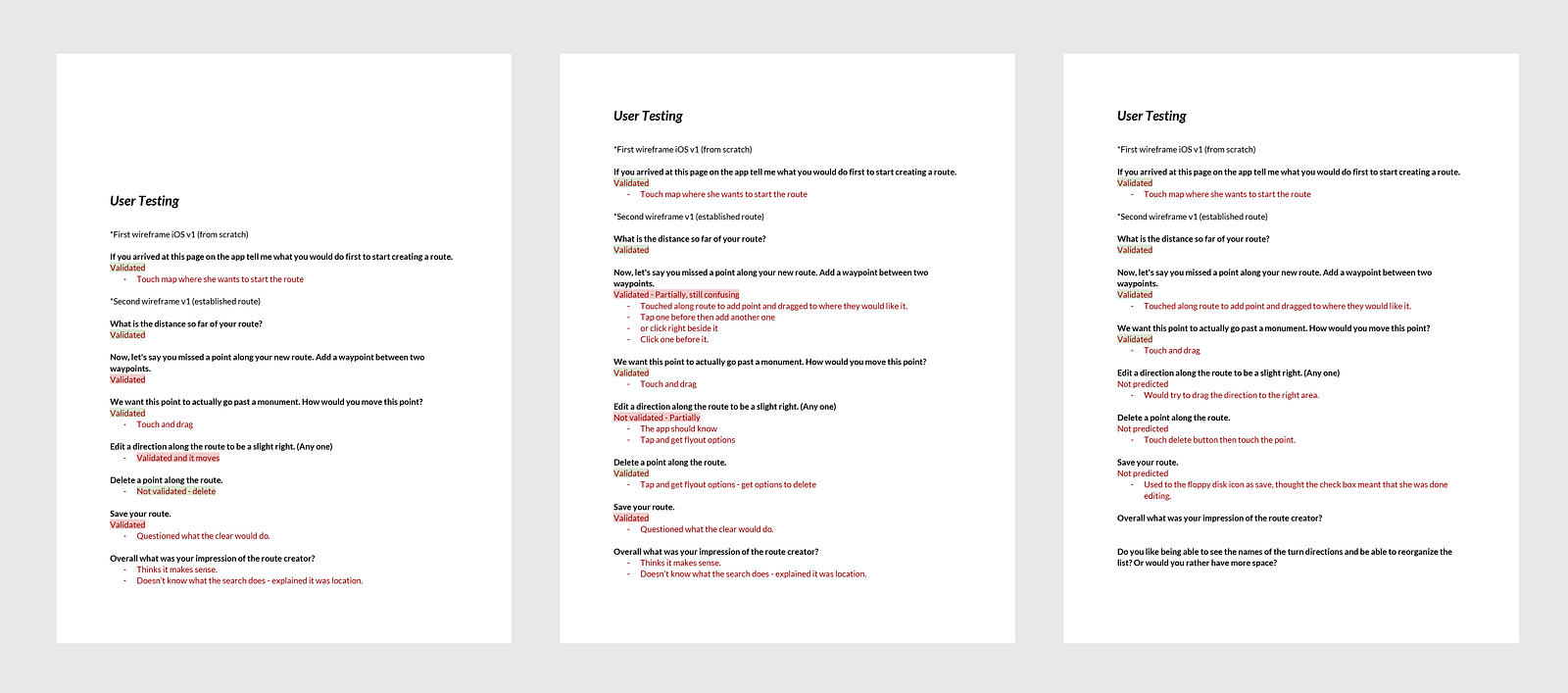
- Write a scriptHaving a script is handy to maintain consistency between interviews, and to help other members of your team follow along. It also allows you to build in unbiased questions at every step. I recommend printing out the script as a prompt and highlighting your questions so you hit the same key points with every user testing.
*Don’t forget to ask permission to record the interview and share it with your team—I built this question into my script so I wouldn’t forget. - Divide & conquer with emails Your teammates can help when it comes to randomly selecting users and editing your email template, and even better if you can get multiple members on your team to conducting interviews simultaneously. Check out the to invite users to book slots in your calendar – it syncs with your Google calendar and updates both calendars with accurate timezones.
- Aim for fiveIn his (highly recommended) book , Jake Knapp quotes user research expert Jakob Nielsen’s findings that “85 percent of the problems were observed after just five people.” So aim for five, and reiterate and re-test if you have time. (This golden number was also confirmed by our team’s Director of Product, UX Researchers, in a number UX Research books and articles, and in talks I recently heard at Generate Conference in London. Long story short — talk to five users!)
- Bring a note-taker
Invite a teammate to join the interview as the notetaker, to allow you to focus on asking questions and to watch how users interact. It’s challenging and risky to try to take notes and ask questions, and watch interactions at the same time. Side benefit: having notes taken live will save time transcribing recordings afterwords (though I’d still strongly recommend keeping a recording on file just in case you want to go back and review certain parts of the session). - Install all the things, and be ready to troubleshootHave Skype and Google Hangouts, or another screen-share app installed. Have a virtual phone and/or sit near a real phone just in case the audio cuts out. Also, try to become familiar with the toggles within the apps you’re using, so that you can troubleshoot live with the user to fix basic audio and screen-sharing issues of usability testing.
- Do a dry run with coworkersWhile co-workers feedback does not count as part of your user test, doing a dry run with them can help you setup your tools, practice the flow of questions and fix minor details. This is a low-risk way of helping you look like a pro when you reach out to your real users.


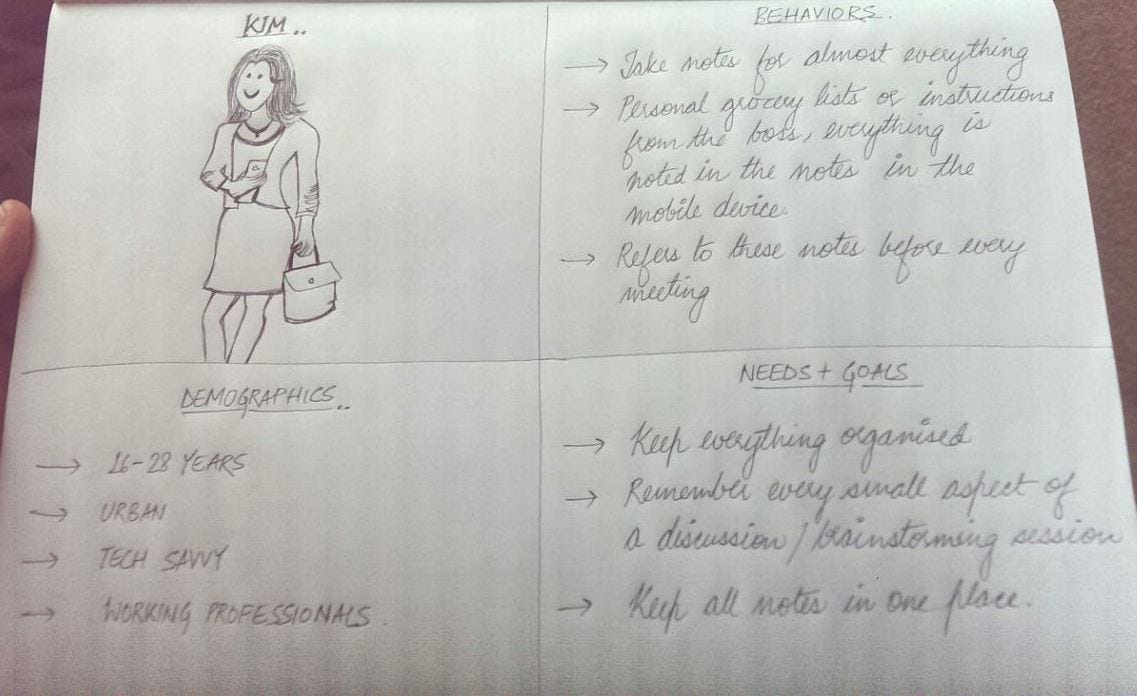
I am one of those people who need to take down notes for everything — be it birthdays, grocery lists, return a book to a friend or a recipe I learnt from mom. That’s how I remember things! Having said that, I am a huge fan of Evernote and I take lots of notes right there. But, I just feel that when it comes to the mobile design, they’re missing out on a very important aspect.
About Evernote
(For those who haven’t tried Evernote)
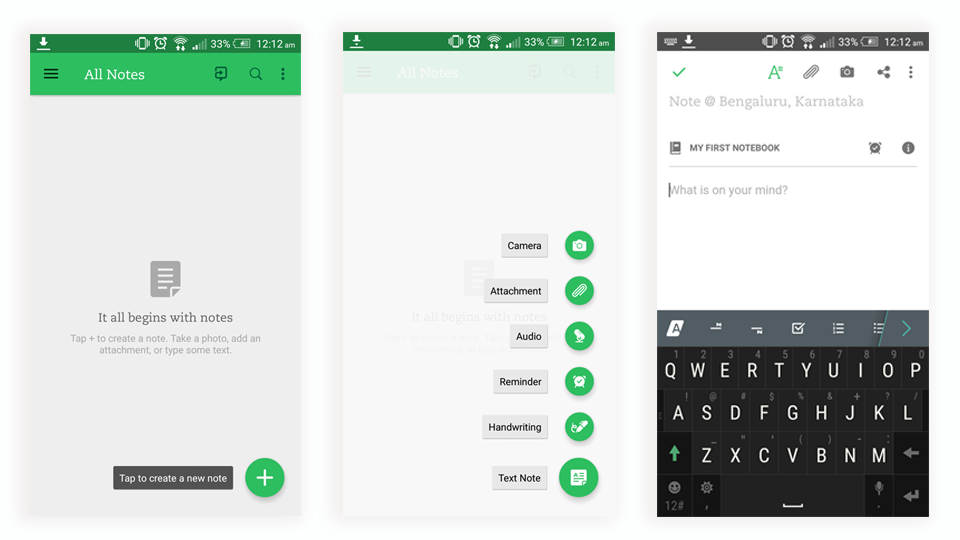
Evernote is a note-taking application that allows users to create notebooks, take notes (text or image) within each notebook and share individual notes/ entire notebook of usability testing.
Objective of the usability test
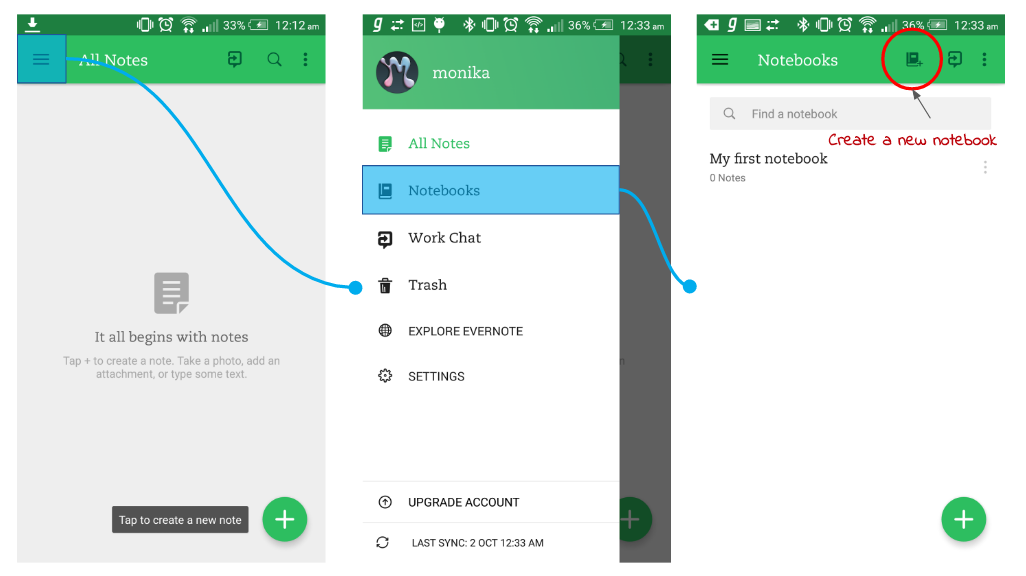
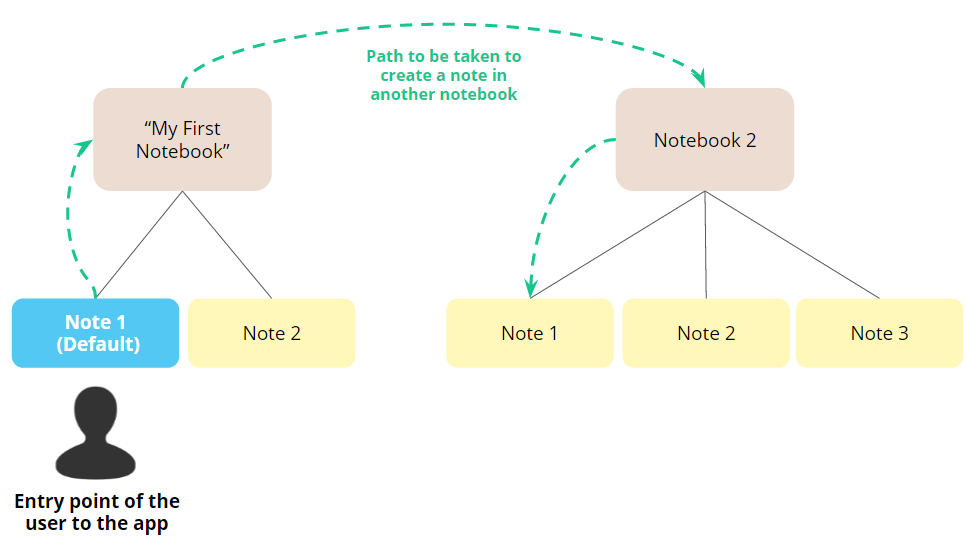
To identify the challenges a user faces in creating a note in a new notebook and how an upfront option of creating a new notebook works opposite to that.