We know usability testing important and there are a on how to organize and facilitate user testing, but how do we format it and present our findings to non-UX designers? How do we make it more efficient with a quicker turnaround time?
I ❤️ doing user testing and have completed over 50 usability tests and on the way developed a quicker, easier and more beautiful way to track and provide user testing results.
This uses the standard usability lab testing. If you are new to this concept I recommend reading and use the below in your process.
Not interested in doing user testing yourself?
THE PROBLEM WITH THE STANDARD USABILITY TESTING PROCESS
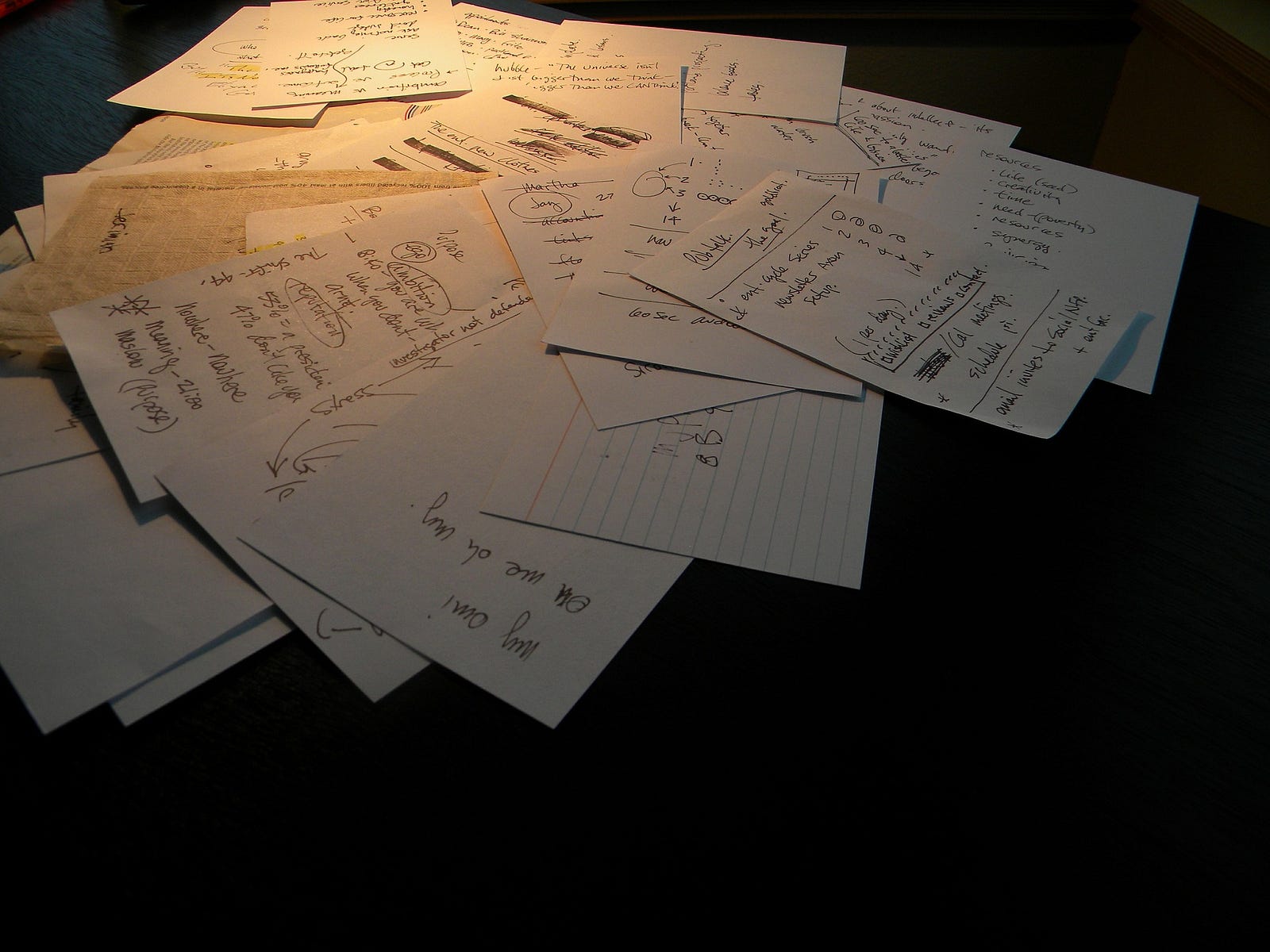
When I first started conducting structured usability testing I was the solo designer and very junior. I had finished my beautiful InVision prototypes and was excited to start conducting user testing for the first time. There wasn’t much documented online on how to format the information during the user test and display the results. So, I printed out one copy (of 6 sheets) for each of the 5 individual users being tested. I would start the test by having the user go through each step and would scribble my thoughts on the printed document. Afterwards, I would grab my bundle of messy printed sheets and type my findings into a separate text document for each user with their name as the title. I would take each of the typed documents and put them side by side to compare them to try and find what issue kept coming up most often. It would take me a long time to find the biggest pain point to address first. I would then provide a wordy report to the founder and developers who skimmed through it and when they asked for references on how I got to my conclusion I pointed to the ugly pile of paper on my desk.
THE PROBLEM WITH RECEIVING USER TEST RESULTS
I once worked on a project for a charity app. There were UX Researchers already working on the project that provided me with the results of the first round of user testing. They gave me a separate typed 4-page document for each of the 5 testers that listed all the issues but not which were the most important. I had to once again compare each document for each of the users side by side to prioritize the issues based on how many users had trouble with the same thing. I would then have to refer back to the taped video to understand what part of the app they were having troubles with and what step they were on when they had problems.
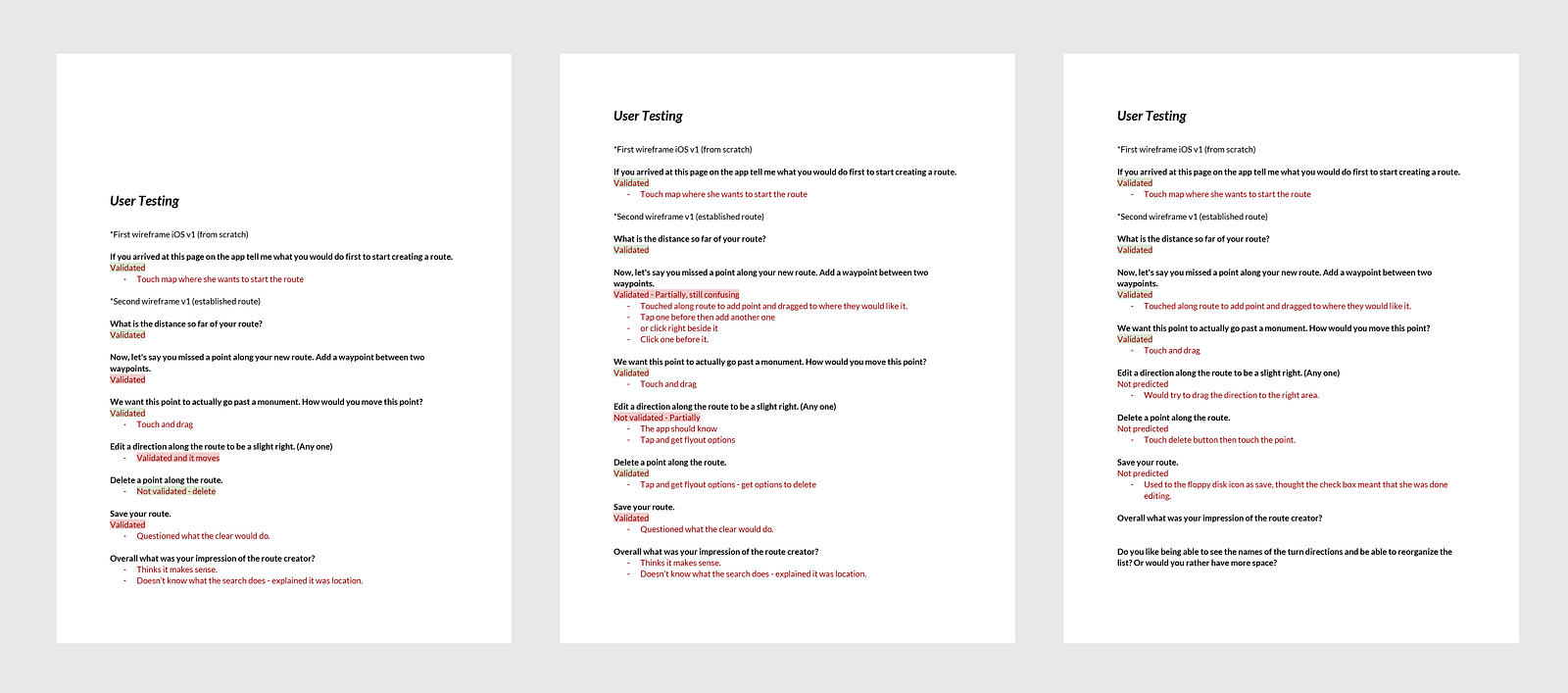
After I did my analysis I provided the proposed design changes to the client, my boss and developers. When asked how I came to these conclusions, I could explain my reasoning but wasn’t able to display the data in a simple format to back up my informed decisions.
These processes were time-consuming, disorganized, unsustainable and had a slow turnaround time.

No comments:
Post a Comment